
Welcome to Part 6! Are you alive? By my calculation, when this goes live, 3 intrepid souls have read all of Parts 1-5 before this. (Insert laughter with tears). Indeed, you may have found this in isolation of the other parts! That’s OK, I’m cool with modularization. Feel free to “go around the Horn” at some other point in the future and read Parts 1-5 later.
Oh! And, for those 3 travelers AND everyone else, I am making an explainer video of all of this content. But it comes with 2 caveats:
-
No references or quotes. Just ideas.
-
Because it moves with a preset piece of music, each idea will have a limited amount of screen time: 2.4 seconds, to be precise.
Finally, I’ll probably write a full BTS (Behind The Scenes) on this article series on my blog. For those of you that love BTS content, that one will be for you. Translation: these articles were NOT written to be sound-bite worthy. What I write in the BTS will be.
This is basically the second of two parts that were originally together: Part 5 is what is the SAME about designing between 2D and 3D and this is what is different.
Long story short?
Here is where the fun begins.

2D to 3D: What Is Different
A learner could learn from a book how to enter a store and buy something. A learner could also learn from entering a real store and buying something. Both are ways to complete the learning, but the designs– that is, how to structure the learning from start to finish, will be different. The book is analogous to direct instruction. There are times when direct instruction will be the better approach. The real store is analogous to experiential learning. There are times when experiential learning will be the better approach. The approaches are different; there is no inherently better approach for all situations.
These elements in this section are not meant to imply that they exclusively belong to XR media. That is, many other forms of media contain these same elements. These items are listed here because they are often found within and indeed are combined in design solutions in XR.
1 Narrative Plot
Clark and Mayer observed that humans are sense makers and attempt to derive meaning from life experiences (2016). Learners engage in making meaningful connections when words and pictures align during experiences. Meaning is also deeply embedded in the storytelling approach, where it is often the journey that the protagonist goes through that remains memorable long after a story has ended. D. Clark argued, “learning experiences are exactly that, experiences designed to change us, specifically our long term memories” (2022, p. 7). Further, D. Clark advocated for a balanced use of storytelling, explaining that it can bring life to dry information, but should not be overused and wander into a “Disneyfication of learning as entertainment” (2022, p. 7). Lastly, D. Clark argued that stories for learning should be designed as “always beginnings, never ends-in-themselves” if the learning is to be applicable beyond the experience, into the “long tail of practice, transfer, and performance” (2022, p. 7).
Points for poetry, D. Clark!
“always beginnings, never ends-in-themselves”

Indeed, the storytelling approach in learning pulls the learner through the experience. To use storytelling, the learner should experience a flow through their experience, a beginning and middle of the story. The end could happen in XR or more substantially outside of XR into desired application. The learning experience should be planned and not haphazard. Learners should be guided on a planned route. XR storytelling can be first person or group experiences. Regardless, each learner is a protagonist; their decisions determine what they will experience. Recalling the constructivist learning theory foundation, what the learners experience becomes the learning experience that is being designed for. If learners are exposed to situations where they actively construct their knowledge, then the reality that the learners construct was constructed by them, not constructed by the media or by others. Further, learners do not arrive as empty vessels to be passively filled with information if they are the protagonists of their own learning event. Learners add, sort, emphasize, or suppress new experiences when compared to old experiences. Subsequently, a learner already experienced in real life (non-XR) is bringing those experiences into XR with them. In summary, learners arrive already ready to experience a story. Thus, narrative plot or a story arc is a good approach to XR instructional design.
Plot, narrative, or narrative plot are all descriptions of phases within storytelling. There are slight variances in names but the phases generally focus on the user’s (or in our case, the learner’s) experience (Lichaw, 2016).

These phases describe what is happening to the protagonist. In the case of XR, the learner is the star and they should be brought through these phases in an effective design plan. Table 1 compares a storytelling arc with the Pixar story arc, a story arc example of Cinderella, an XR story arc, and an XR narrative plot example.
.png)
Pixar story arc from Khan Academy. (2017). Pixar in a box: Introduction to storytelling [Video]. YouTube. https://youtu.be/1rMnzNZkIX0 Cinderella story arc derived from Kurt Vonnegut, as documented by Derek Sivers. (2009, September 1). https://sive.rs/drama
Example of Narrative Plot in XR
Introduction. The who, what, where, why, when of the experience is explained. The scene opens. This starts before the digital experience begins and lasts 30 seconds to a few minutes into the experience, depending on how much needs to be explained. This is the beginning of the exposition.
Set the scene. Provide guidance on the affordances within the experience, how to communicate, walk, navigate, where is help (e.g. where is a digital companion). The learner is invited to move, change appearance, and communicate.
Dilemma. Introduce the conflict or the scenario that the learner will participate in. The learner is presented with a challenge or problem. This is the inciting incident and rising action phases. This can be a great time to guide and practice small solutions to small problems.
Crisis. The learner must act and initiate some sort of change. It is action-oriented, and the learner is on center stage.
Change or Denouement. The results of the change have an impact on consequences or the environment. Said another way, the change ripples through the experience to change it for the learner. The results are non-trivial and not haphazard.
Resolution or End. The mission is complete, and the world has changed around the learner. The learner is living out the consequences of their decision.
Some research has shown that most of the instructional emphasis does not need to be within the XR experience itself. Dede (2021), when reflecting on what he now believes after over five decades of immersive learning research, said:
“I used to believe that if you had resources, you should spend 95% of the resources on the immersive experience and then you just do a little thinking about what kind of induction you use before people go into immersion and what kind of post experience debriefing you do. I’ve come to believe now that the induction and debriefing is where the learning takes place predominantly, and so designing those is very important.”
This indicates the importance of the on-boarding and the follow up experiences. The story of an experience begins before something is activated and ends long after.
The main point of keeping a narrative plot mindset in ID XR design is to keep the learner at the center of the experience. Every step of the narrative plot approach focuses on what the protagonist- that is, the learner- experiences: dilemmas, crisis, change, etc. This approach, then, keeps the ID focused on the learner’s experience, not the technology. For example, let’s say a platform can recreate the school environment down to the desks and chairs. An ID might reason, ‘This a great place to hold a class! I can assign classes to virtual rooms and the instructor can use web-sharing boards.’

Don’t try this in VR
That approach puts the technology first and does not consider the learner. It also recreates the problems of regular in-person classrooms and throws in a few more virtual problems as well (i.e., poor internet connections might have avatars distractedly appearing and disappearing). Rather, a learner-centric approach might ask “What is the main experience or emotion that the instructor wants the learners to have in this lesson?” As Mayer stated, “How can we adapt multimedia technology to aid human cognition?” (2020, p. 15). This might cause the ID to look at the entire XR event differently and not recommend a virtual classroom. There is more on emotion in design in Section 5.2.
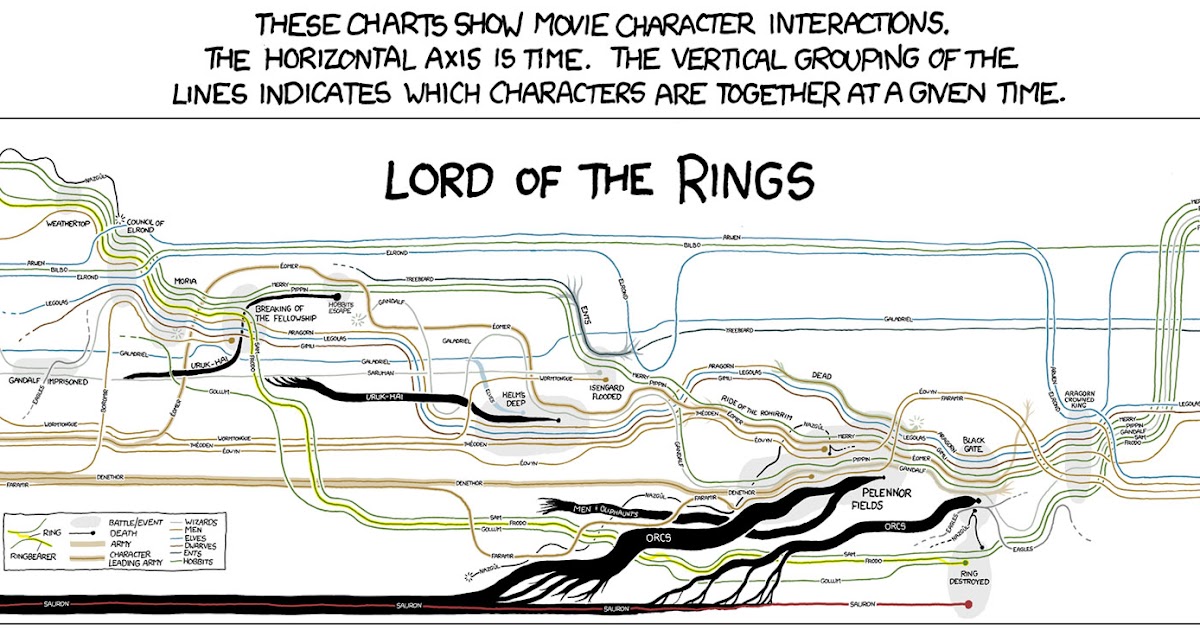
Credit: https://fbvisualisation.blogspot.com/2014/04/narrative-charts-tell-tale.html
2 Visual and Sound Range
For the ID, the added visual depth and sound possibilities beyond 2D must be designed. However, more to design means more risk. With XR, the added ability to put information anywhere has more risk of overwhelming the learner than helping the learner. Indeed, D. Clark (2022) agrees that Mayer’s Principles lean towards less is more.
2.1 Visuals
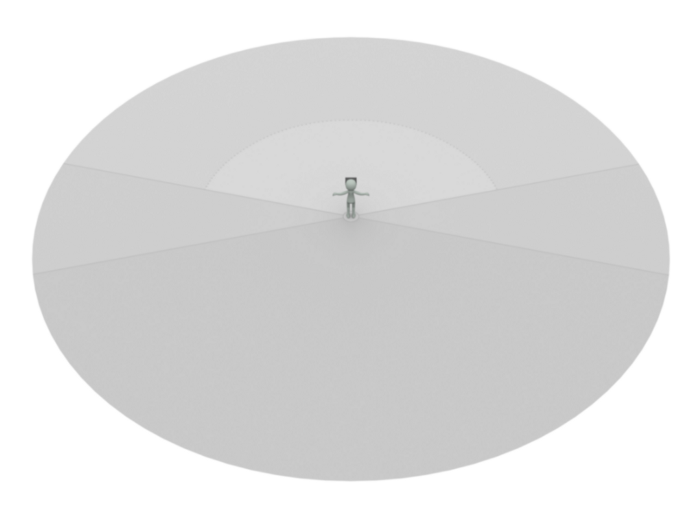
Alger (2015) noted these basic principles for visual range called the Comfortable Content Zone: 77 degrees of viewing range side to side and a range of 0.5 to 20 meters in depth. There are Periphery Zones to the sides and above, but the learner should be only prompted to use those.

Credit: Alger, 2015
This reflects real life. If one was working at a workstation, critical information would be within easy viewing and reach. Other information could be available in what Alger calls the Curiosity Zone – behind and below the learner, but learners should be prompted, as in real life, by sound, light, or foreknowledge, to engage with that non-obvious space (2015).
Alger (2015) further proposes that the visual hierarchy matches the importance of information. To find information in 3D, we look at the center ahead first, then left and right, then below, then above, then finally at our own bodies. Everything above eye level is for things beyond the learner’s control like weather, time, or authority notifications. Everything at or below eye level is within the learner’s control.
.gif)
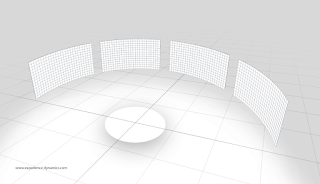
These user interface principles skew towards conservatism in detail; less is better. IDs should design minimal spaces, with prompts, and within easy arm reach. IDs can create storyboards with isomorphic qualities that both curve around the learner and contain planning space for the foreground, mid-ground, and background visuals.


2.2 Sound
Immersive sound is a rising field within XR design. Poor sound can ruin an XR experience. Experiences can have spatial sound where the loudness drops off over virtual distance or flat sound where the loudness is the same throughout the entire space. As much as possible, it is good accessible practice that all senses should have learner controls: brightness, sound, movement, and intensity.
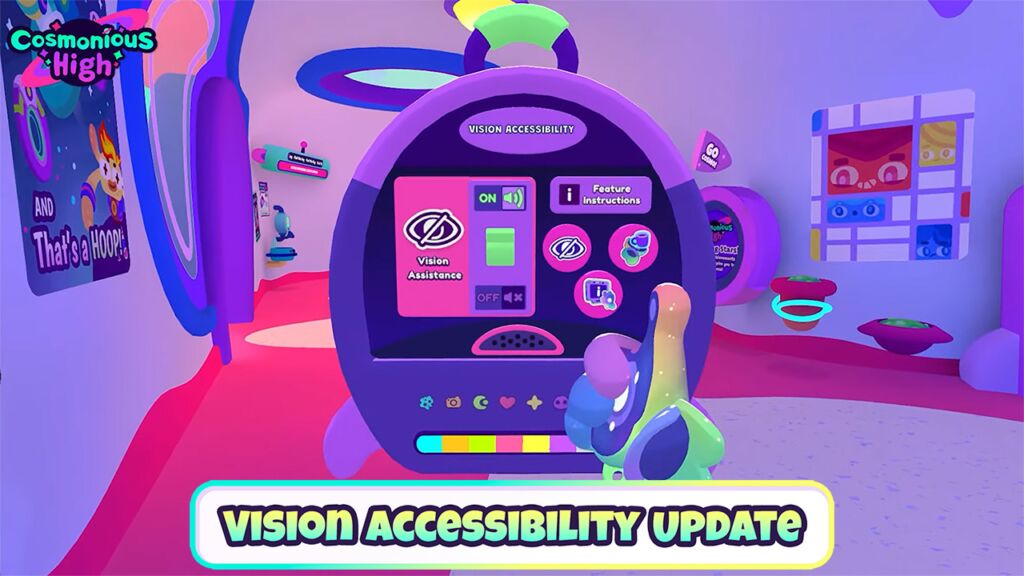
Many platforms and experiences already contain volume controls for separate parts of the experience (e.g., voice chat, environment, or notifications all have separate volume controls). Learners should be trained on these controls at on-boarding.

Generally, for information that is necessary for the learning event:
-
If the information is in speech, provide text equivalents (e.g., transcript).
-
If the information is in sound (environmental sounds or notifications), it should have equivalent visual and/or text indicators.
-
If the information is in text only, provide sound equivalents.
2.3 Interaction & Movement
Interactions in XR could be reaching, grabbing, and moving. Good experimental research exists from organizations like IEEE VR or ACM IUI on 3D user interface recommendations. Alger’s (2015) design advice showed a seated avatar seated work will be more comfortable than standing in XR.

Credit: Alger, 2015
Almost every new XR user has walked their avatar into a wall. It happens.

You stay in that corner until you can act like a good avatar, Peter!
Given that the wall isn’t real, mistakes like this are forgiven quickly. IDs can ask learners to move.
(And Peter knew I took his picture at this moment above.)
Movement in XR is an advantage of the metaverse. While research does not indicate that movement causes learning, it can greatly assist in the storytelling aspect of bringing a learner through an experience by requesting that the avatar move through the story in virtual space time.
Movement is relative in this media. Frame of reference can be manipulated. The avatar can move, or the avatar can stay in one place and the scenes can move or change around them. There are a LOT of choices for movement in XR. From gaming research, it looks like most of the possibilities are aiming to reduce vestibular mismatch.
In this area, movement-based engagement can be an area of exploration in designs. For example, asking learners to move to one side of the room or another is an interesting way to run a poll. XR movement often includes dancing and flying. Future research should explore the use of controllers or hand detection for learning.
2.4 Emojis
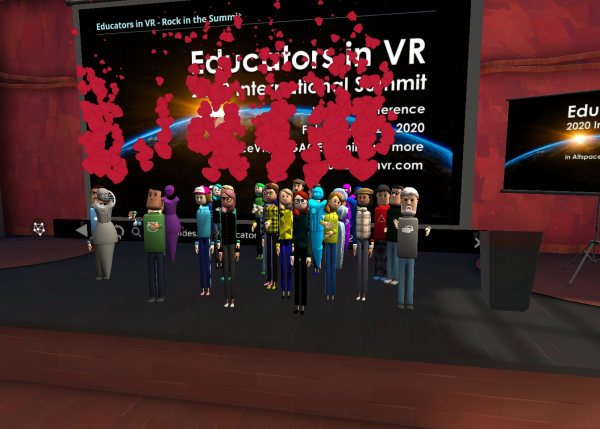
Many social XR platforms have incorporated emojis and they can be used for their apparent reasons: love, happy, sad, clapping, or raised hand. Within designs, learners can use them differently, that is for feedback, poll indicators, or silent ‘I need help’ indicators. Learners have been known to redefine emojis to mean whatever makes sense to them during a learning event.
Part 7 will cover designing and building XR experiences for learning. See you there!
.png)




would want to access VR”. I’m so over that. I’m SOOO over that comment.
👿 Let’s make one thing clear: if you make a human “sub-human” in
front of me, there will be angry eyes. Start here: https://equalentry.com/virtual-reality-development-for-blind/ and then here: https://equalentry.com/how-can-a-blind-person-use-virtual-reality/ and for a video, see here (seriously, WATCH the very beginning): https://youtu.be/rvsZ1ssyom8
Sound